
Learning bite
Pipeline, policy, and runtime status
Show independent delivery stages with source identities and freshness instead of a single optimistic badge.
On this page
Green needs a subject and a timestamp
A status is a statement about a particular object at a particular time. “Passed” is incomplete until the reader knows which check, revision and environment it describes. A portal that combines unrelated successes can accidentally imply a release is working when no end-to-end observation exists.
Status is a chain of observations
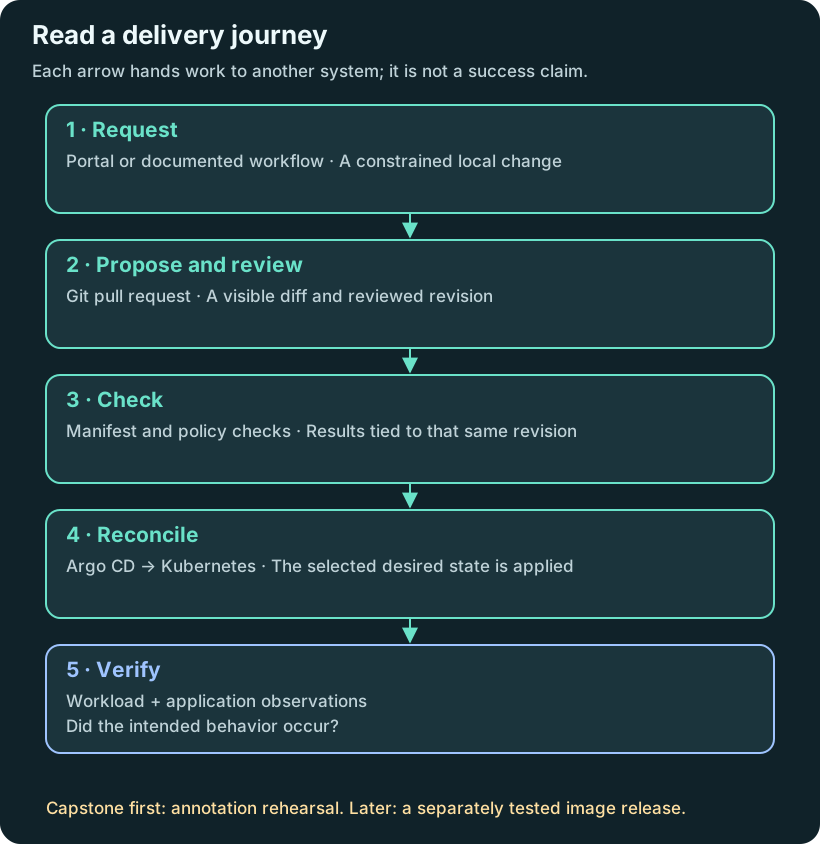
A useful release view connects request → PR → checks → artifact → desired-state revision → sync → workload health → application evidence. These stages can disagree. For example, an image build can pass while Kyverno rejects a field in its Deployment manifest, or Argo CD can report healthy Pods while the transaction consumer is failing.
Choose an authoritative source for each status. Include its identity, last-observed time, and a link to the underlying result. If the integration is not installed, show not connected. If collection fails, show unknown or stale; do not reuse yesterday's success without its timestamp.
Begin with links
The first capstone can link a catalog component to the actual PR/check run, Application, policy report, and runbook. These links let users follow the request before you build a custom status integration. Rich status cards require a backend integration, access model, and behavior for unavailable systems.
Periodic synthetic reads remain local. If a hosted portal displays a local result, publish only a reviewed, non-sensitive summary through an explicitly designed connection. Do not expose the local test endpoint publicly merely to populate a dashboard.
Interpret a mixed release record
Use this invented record to practise diagnosis:
| Stage | Observation | What it establishes |
|---|---|---|
| PR | Merged revision R2 | The proposed change entered Git |
| Manifest/policy checks | Passed for R2 | Those checks accepted that revision |
| Application | Still targets R1 | The selected desired state has not moved |
| Workload | Healthy on R1 | The previous workload is healthy |
| Transaction check | Passed yesterday on R1 | Old behavior was observed then |
Should the portal say R2 is deployed? No. None of the last three rows establishes that. Show the successful review alongside a pending revision selection. Once the controller observes R2, gather workload and application evidence for R2 too.
For your implementation, begin with links to each authoritative system. A custom status panel can come later, with explicit behavior for stale data, unavailable integrations and permissions. Do not replace missing observations with optimistic defaults merely to make the screen complete.
Try it
Create an evidence table for one request with independent columns for generated change, review, policy, sync, and transaction result. Label each as observed, not run, failed, or stale. Stop the exercise at an intentionally invalid policy fixture and confirm the overall journey is not reported complete.
Record which version of configuration the report evaluated. A passing report from a prior commit cannot approve the current one.
Checkpoint and revision
Can a reader follow an actual failure from the portal to the responsible system? A scorecard should summarize evidence already collected; keep missing data and the service’s declared lifecycle distinct from observed results.
Compare your reasoning
A health badge, a sync result and a transaction check answer different questions. Keep source identity and freshness attached to each. A learner should be able to follow a failed or stale stage to the system that can explain it.
Sources
Backstage Kubernetes feature↗, Argo CD health↗, Kyverno reports↗.
Your notes and evidence
Record observations, questions, or links to your work. Keep credentials out of your notes.
Back up or restore this path
Progress and notes stay in this browser. A backup contains only this learning path.